1. Log in to our site at app.safetagtracking.com/login
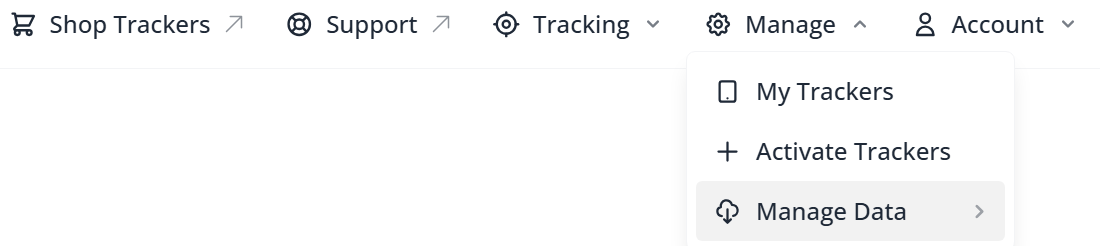
2. Navigate to the 'Manage' tab at the top of the screen, then click on Manage Data
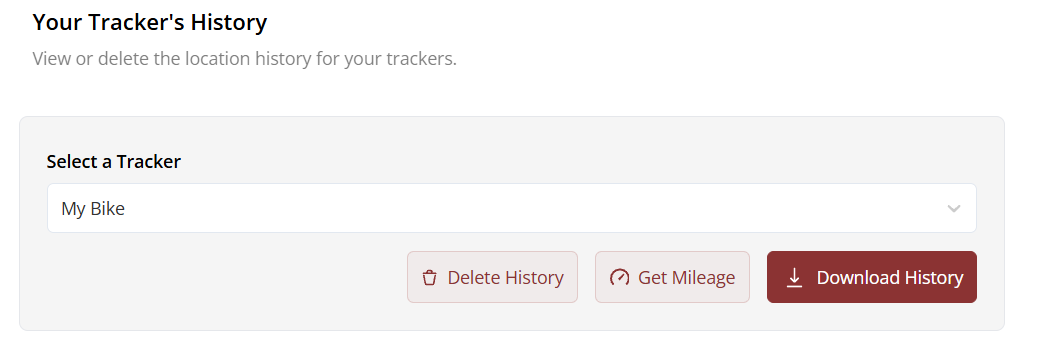
3. Select your tracker from the dropdown and click Get Mileage
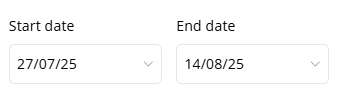
4. Select the date range you are interested in
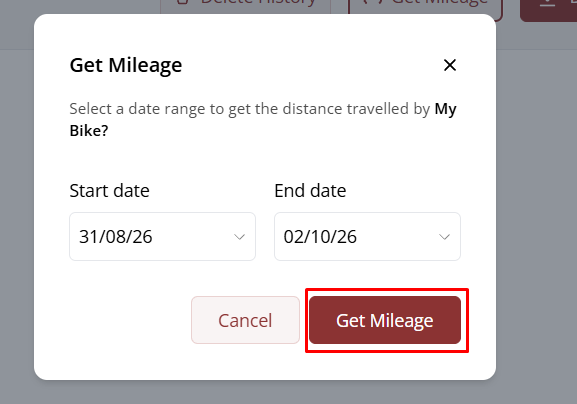
6. Then click the Get Mileage button
Was this article helpful?
That’s Great!
Thank you for your feedback
Sorry! We couldn't be helpful
Thank you for your feedback
Feedback sent
We appreciate your effort and will try to fix the article