To update your payment method, it just takes a couple of minutes:
1. Go to app.safetagtracking.com/login and log in if necessary
2. Navigate to the "Account" page via the menu bar
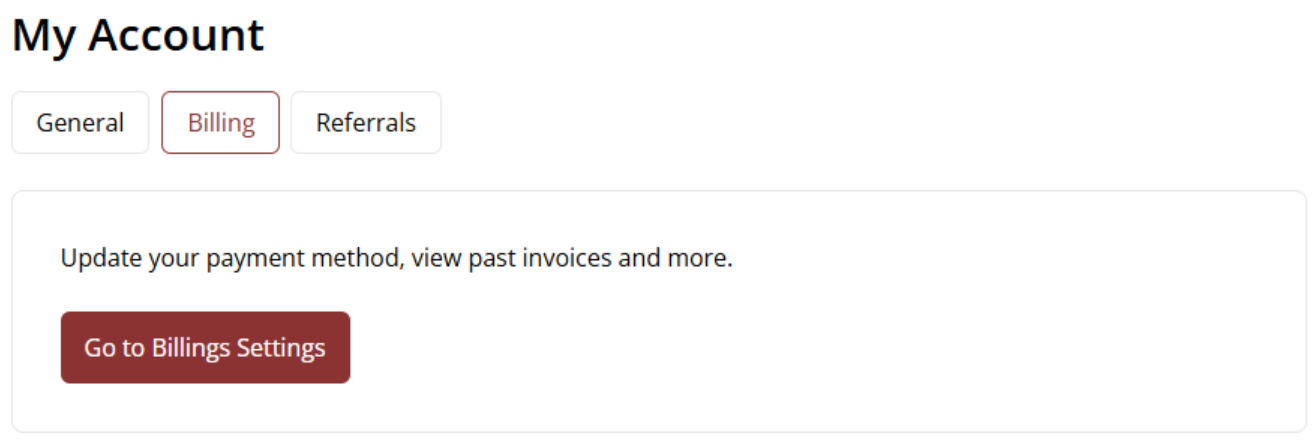
3. Click the "Billing" tab, and click "Billing Settings" (You will be redirected to your billing portal.)
4. Under your existing payment method(s), click the button that says "+ Add payment method"
5. Choose your payment method type, and enter details
6. Check that the "Set as default method" checkbox is ticked
7. Press "Save," and you're all done! If you are returned to the main menu, you can close the page.
8. If your subscription payment is overdue, it will automatically be retried within 3-5 days on the new payment method. If you would like to be charged now, just email us, and we can retry the charge manually.
Czy ten artykuł był pomocny?
To wspaniale!
Dziękujemy za opinię
Przepraszamy, że nie udało nam się pomóc!
Dziękujemy za opinię
Wysłano opinię
Doceniamy Twój wysiłek i postaramy się naprawić artykuł